Customer Intake Backend
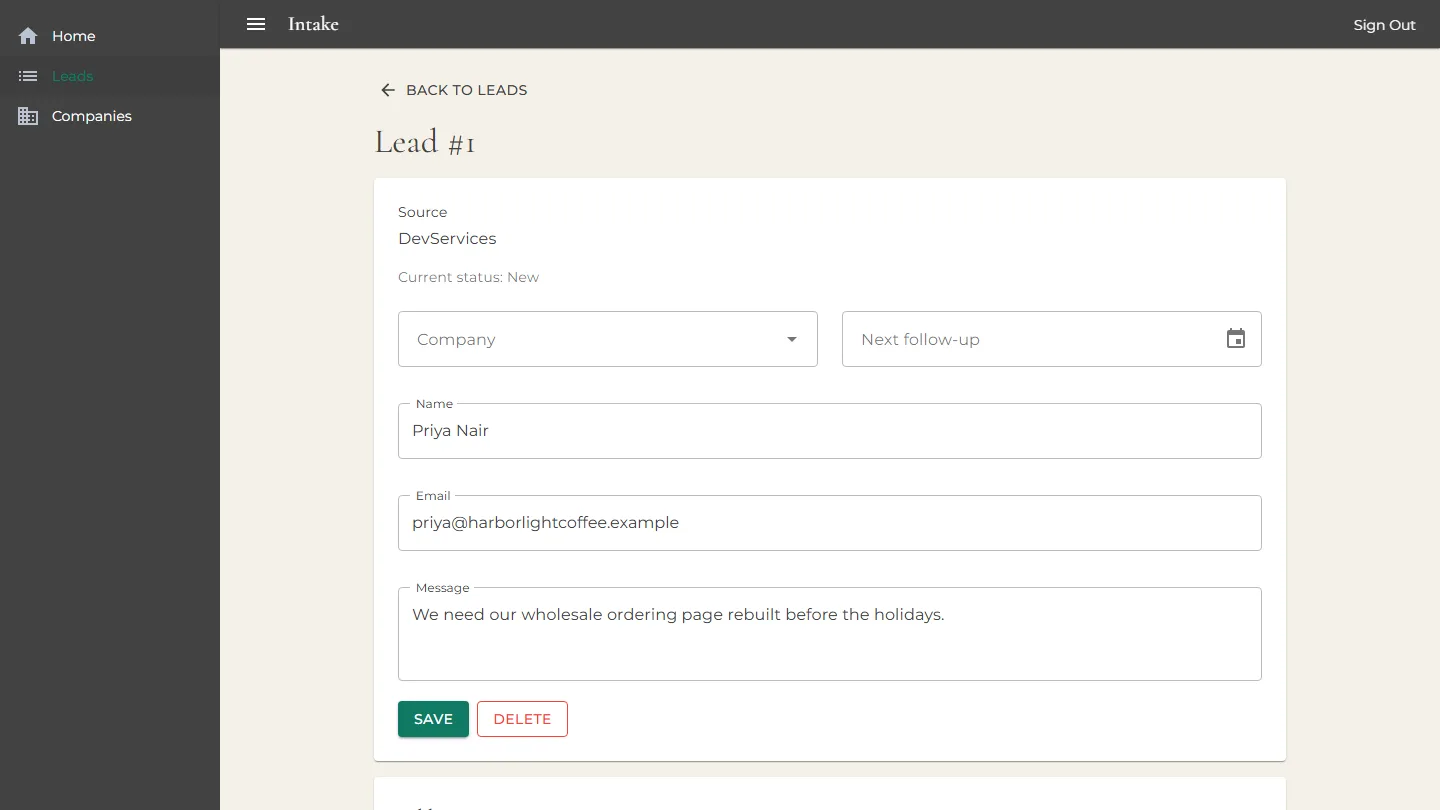
The .NET service behind the contact forms on my own sites: one intake API and one admin app, built the way I would build it for a client.
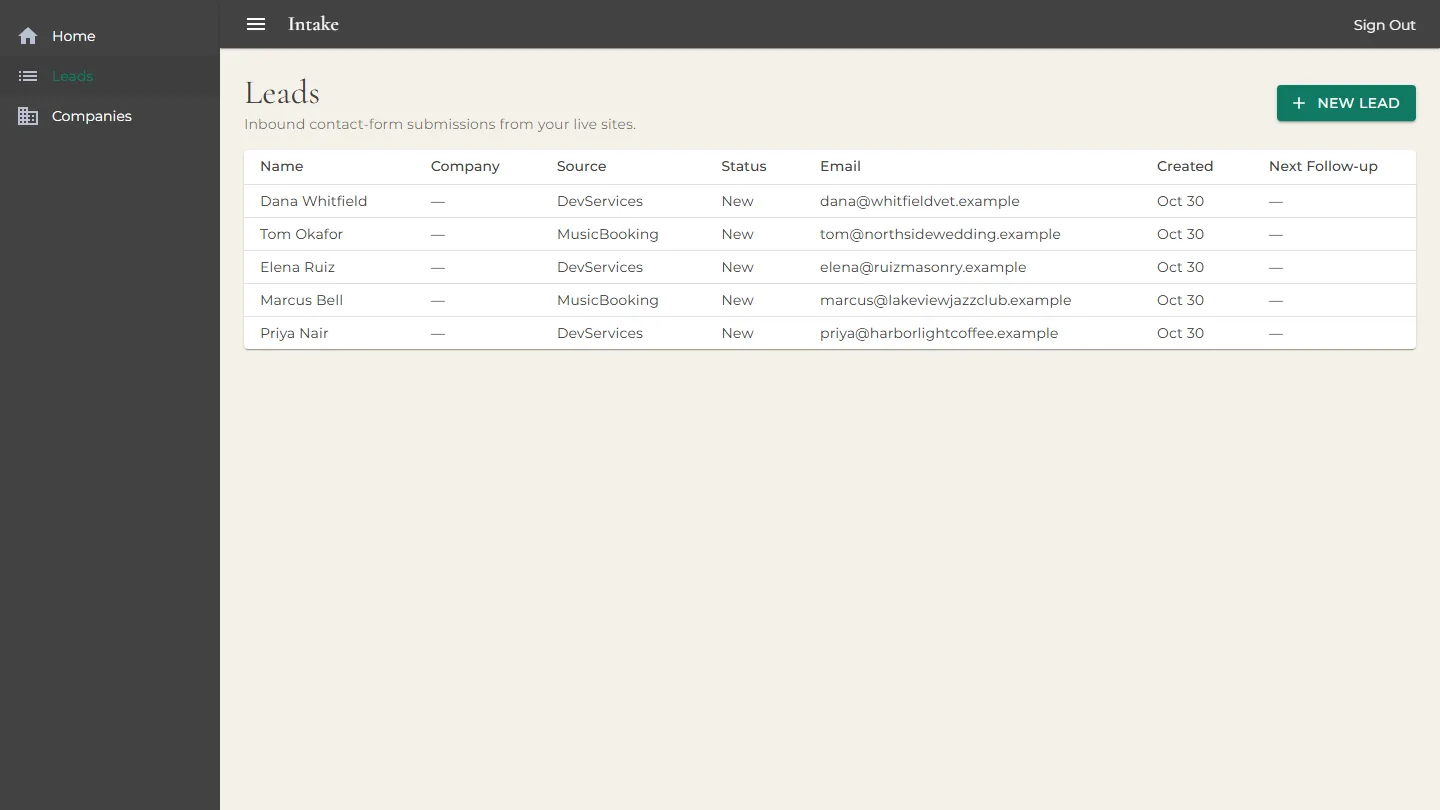
My two sites are static, so neither can run C# or hold data. Rather than build a one-off form handler for each, I built one small service they both call over HTTP. A single Leads table is tagged by business line and by the site that sent it, so a music booking and a development inquiry share one schema and one admin screen.
The interesting work is that the endpoint is public. Browsers can call it only from an allow-listed origin, each IP is rate limited, responses carry a strict set of security headers, and a hidden honeypot field quietly drops bots. The request validators mirror the database column lengths, so an oversized submission gets a clean 400 instead of a database error.
The admin side is a Blazor Server app on ASP.NET Core Identity. Failed logins are throttled per IP and locked out per account, every response sends noindex (as a header, because a robots.txt Disallow would stop Google from ever seeing it), and the pages are not reachable without signing in.
It runs on Azure App Service with Azure SQL. A GitHub Actions pipeline builds, tests and checks dependencies on every PR, and a separate manual workflow deploys using Azure's OIDC login, so no long-lived Azure secret is stored anywhere.
One Schema, Two Businesses
Music bookings and development inquiries use the same Leads table, tagged by source and by originating site. One admin screen and one set of validators instead of two parallel mini-apps.
Built To Be Public
CORS allow-list, per-IP rate limiting, CSP and frame-denial headers, a honeypot, and request limits that match the column sizes. The public GET that lists leads is dev-only.
Login That Fails Safe
ASP.NET Core Identity with a five-attempt, fifteen-minute lockout per account and a separate per-IP throttle on the login route. A noindex header on every response keeps the login page out of search results.
No Standing Cloud Credentials
Deploys sign in to Azure with GitHub's own OIDC token, valid for the one run. The deploy is a manual workflow on purpose, so a merge alone never changes production.