ArborKin
A private, multi-user family tree app — built solo, shipped to Azure, used by real people. Full stack from data model to layout algorithm to auth system.
ArborKin is a private, invite-only family tree app — not a portfolio demo, a real product with real users adding real relatives. The brief was self-imposed: build something with the same architectural discipline as client work, end to end, alone.
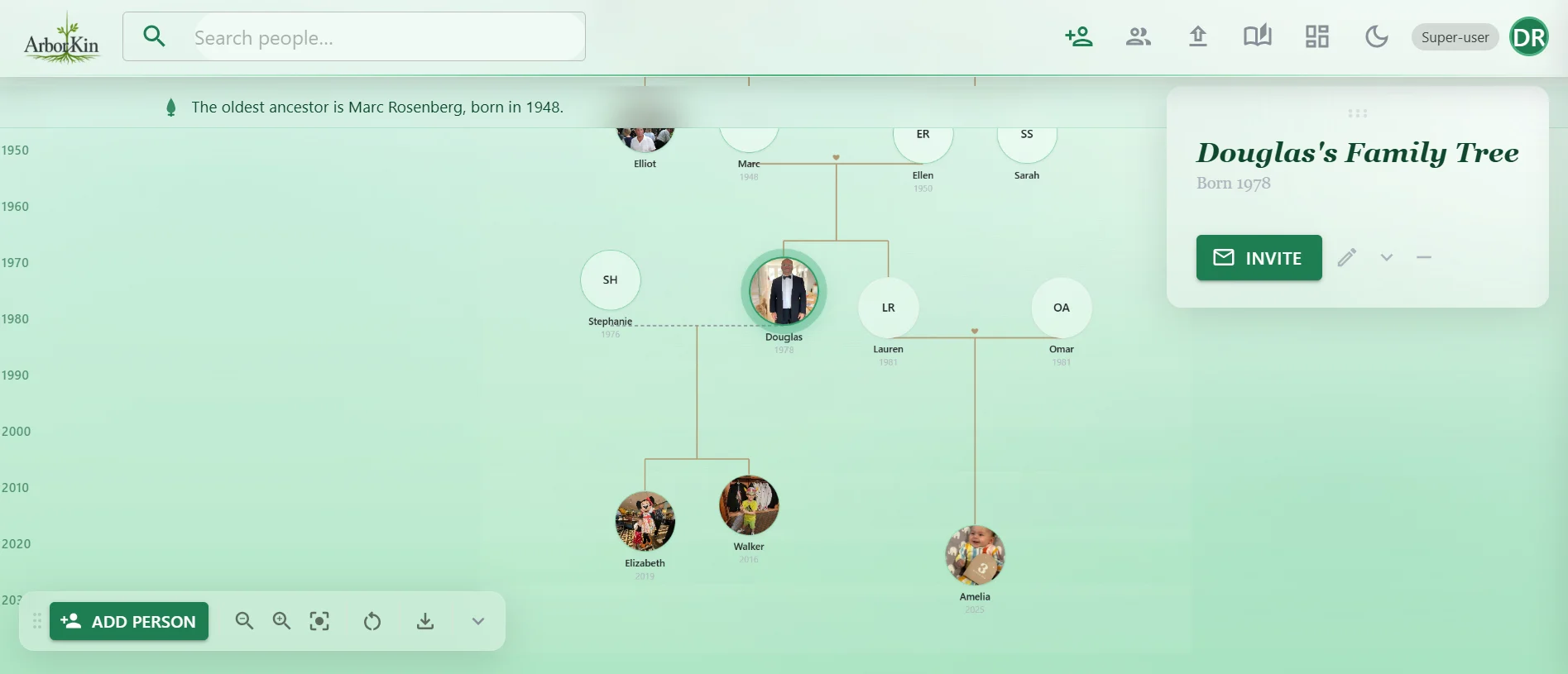
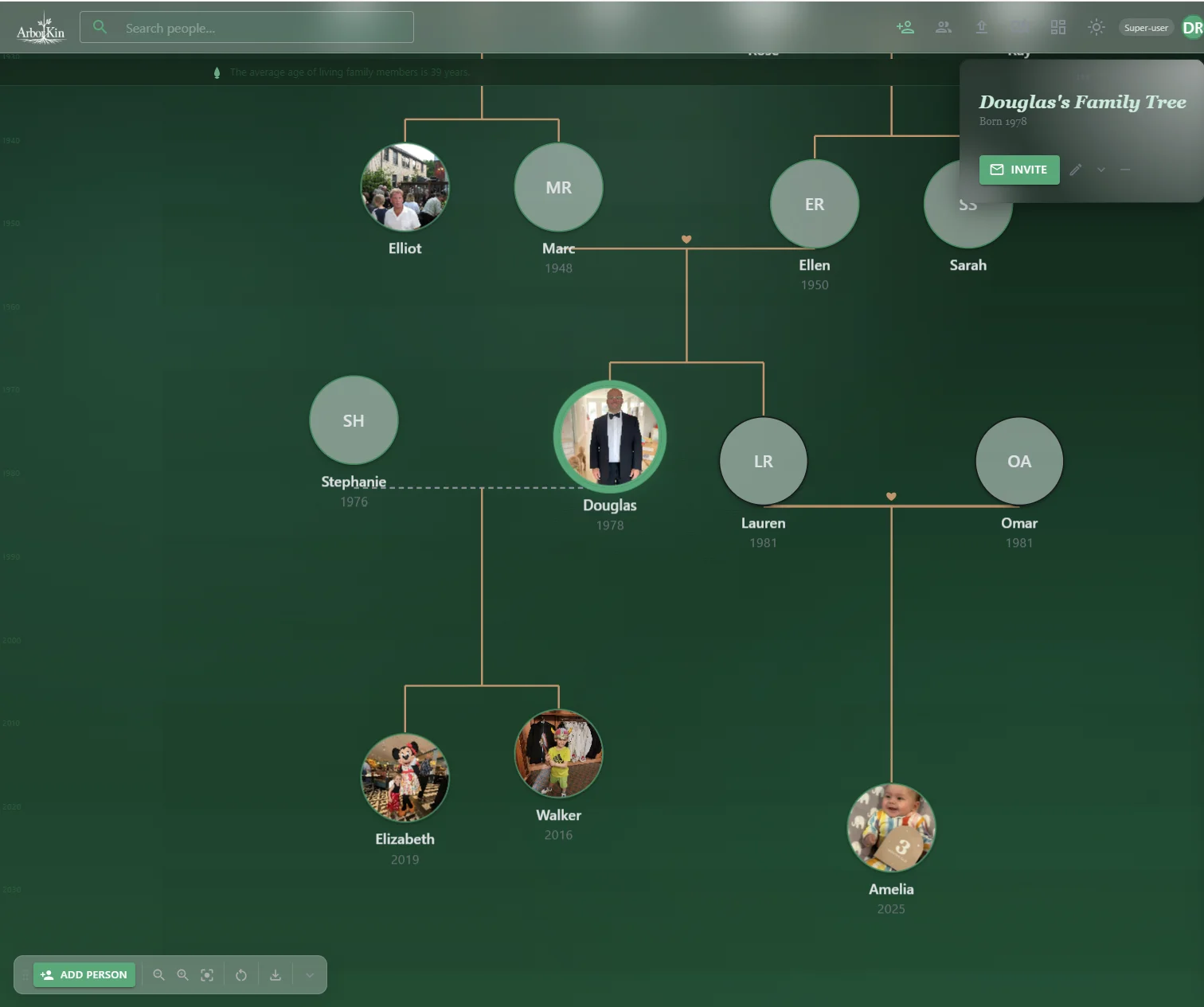
The core design problem was the tree canvas itself: laying out generations so the visual hierarchy is instantly readable, without a JS layout library doing the work. Every node's pixel position is computed in C# before the browser ever paints — the Y-axis is a real birth-year timeline, so generation gaps render proportionally instead of as evenly-spaced rows.
Beyond layout, most of the hard problems were about Blazor Server's specific constraints — SignalR round-trip latency on uploads, re-renders fighting client-side drag state — solved by being deliberate about which layer (C#, JS interop, or the browser itself) owns which piece of behavior.
The other half of the work was trust. Each family's data is isolated at the service layer, registration is invite-only and fails closed, sessions are revoked when a password or role changes, and every write lands in an audit log. A CI pipeline with branch protection, a disposable-SQL-Server E2E job and a manual deploy gate keeps all of it honest.
JS-Free Tree Layout
Every node's pixel position is computed in C# before anything renders. No getBoundingClientRect, no post-render step, no flicker. The SVG connector layer uses the same pre-calculated coordinates — always aligned on first paint.
Blazor Upload Latency
Photos were taking five minutes. Root cause: every byte travels over SignalR to the server before reaching Azure Blob Storage. Fix: Canvas API compression in the browser first — a 12 MB phone photo becomes ~400 KB before Blazor ever touches it. Minutes to seconds.
Tenant Isolation, Proven
The FamilyId is baked into the auth cookie and every family-scoped query filters on it. Rather than trust that, a test matrix calls every public method of the scoped services as one family against another family's IDs and requires each to fail or return nothing.
Sessions That Actually Revoke
A password reset or role change signs the user out everywhere. The security stamp is re-checked every five minutes, on ordinary requests and inside open Blazor circuits, which is where most apps quietly forget to look. Registration fails closed to invite-only if the setting is missing or unrecognised.
Fuzzy Duplicate Detection
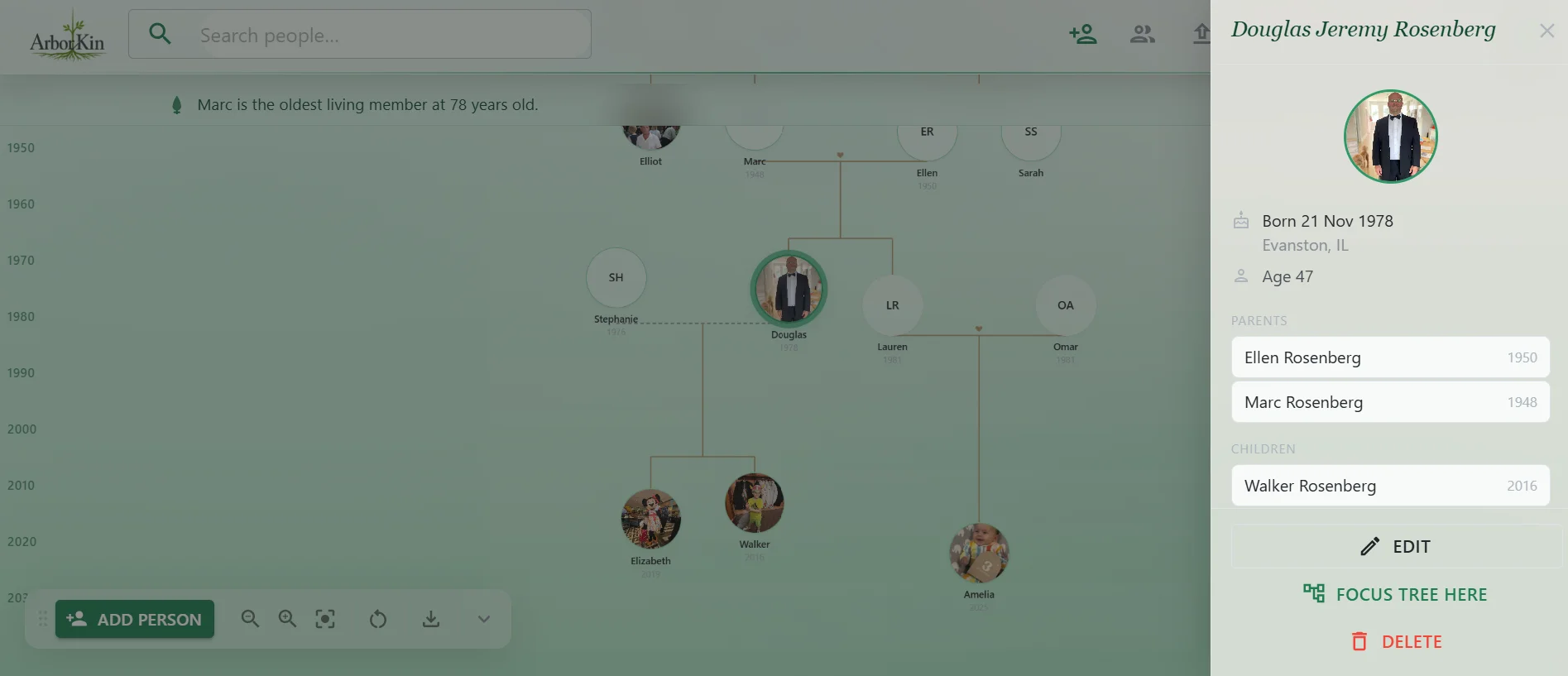
Linking a new relative runs a Levenshtein name match at an 80% threshold, so a typo or spelling variant surfaces the person who already exists instead of creating a second one. Soft delete with cascading restore means a mistaken delete is recoverable.
Drag State Ownership
Blazor re-renders reset dragged element positions mid-gesture. Solution: JS owns the gesture (mousemove updates style.left/top directly), and on mouseup calls a [JSInvokable] method. Blazor stores the result, persists it to localStorage, and restores it on next mount — no conflicts.